
What could be more worrisome than
the designing of a sticker? I’m talking about the texts, text size, font
choice, design/outlay, the right colours, effects around the work of art, the
margins or even the conceptualization process, and a few more. These are enough
worrying for any creative graphics designer especially when not sure what to
design. You have to keep shuttling between your sketch pad and the image editor
software.
Imagine someone dancing at a
party with all confidence and glee, only for him/her to look up and see him/her
have turned to an object of spectacle. No! Not because they danced well, but
that they were obviously like an earthworm in a bowl of salt... wriggling but
off the beat, it’s a sight to behold. I bet you have seen this couple of times
at an event, it gets better if you are not the dancer I'm addressing in this
context.
What could have been wrong? The
amazing dancer [in all sarcasm] if asked could confidently tell you he/she has
an image in his/her head they visualize and they in their best of skill are
exhibiting...gracefully.
This shares the same angle as a
graphics designer who does a thorough job conceptualizing, putting down
sketches on the pad, and then applying the right colour blends and resolution to
the image using the image editing software but upon printing the output looks
far from what was designed. Again, what could be wrong? Your printer, my
friend!
One of the things that set you apart as a graphics expert is knowing the right printers to use for each job material. This means considering the surface in which the print would be placed and then picking the perfect printer to make your job come out more deserving.
What is the Ideal Printer for Printing Stickers?
So, after researching printers
and stickers, I was careful enough to also spot out reviews and ratings online,
this led to my selection of this printer, considering what we intend to print,
stickers. I hope I get paid for the Ad though. [Giggle]
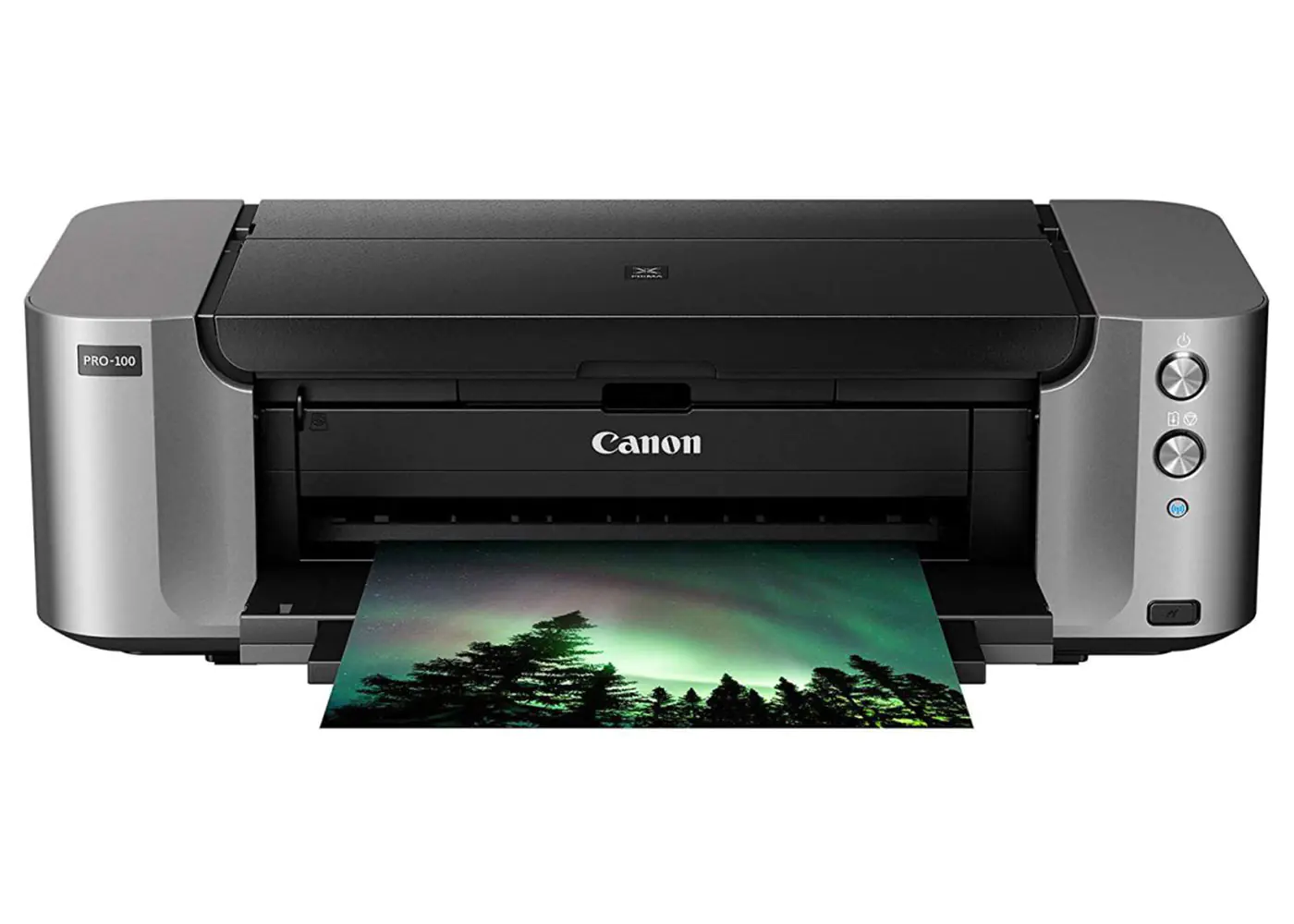
Canon PIXMA Pro 100 Series
This printer has been recognized
for printing professional-colored stickers. Using its new technology of the 8-Dye
based ink as an edge, the resolution of your designs is guaranteed to come out
as seen on your display unit when designing.
Features of the Canon PIXMA Pro 100
- Compatibility between ink and printer gets
easier as this printer can be used with Distinct CLI 42 ink tanks, which
requires just replacing the ink tanks when empty.
- It has a special ink tank for grayscale [black
and white]
- It has a wireless mobile printing option from
the Air print app.
- It possesses the ability to print up to 4800 x
2400 dots per inch.
- With the introduction of the Optimum Image
Generating System, printing gets better with the Canon PIXMA Pro.
As you are aware of trends and
rebirth in technology, the Canon PIXMA had also evolved by creating newer
versions of their printer by the introduction of the Canon PIXMA Pro 200 which
is also up for consideration at any time. The series is significantly more
expensive than the previously stated PIXMA printer, however, you are sure to
get more capabilities and better print outputs for the extra bucks.
One of the unique features of the Canon PIXMA Pro-200 is that it could print in a wide format up to 13 inch x 19 inch and is compatible with a variety of paper.
When next you are considering that new design intended for a sticker, and you have been able to solve all possible graphics and design riddle based on your level of creativity, I hope this article does well in helping you deliver an outstanding job and more importantly a referral. After all, the reward for a good work should be more work.

Your Printing.
Your Brand.
Your Business.
Print Now